Key Takeaways
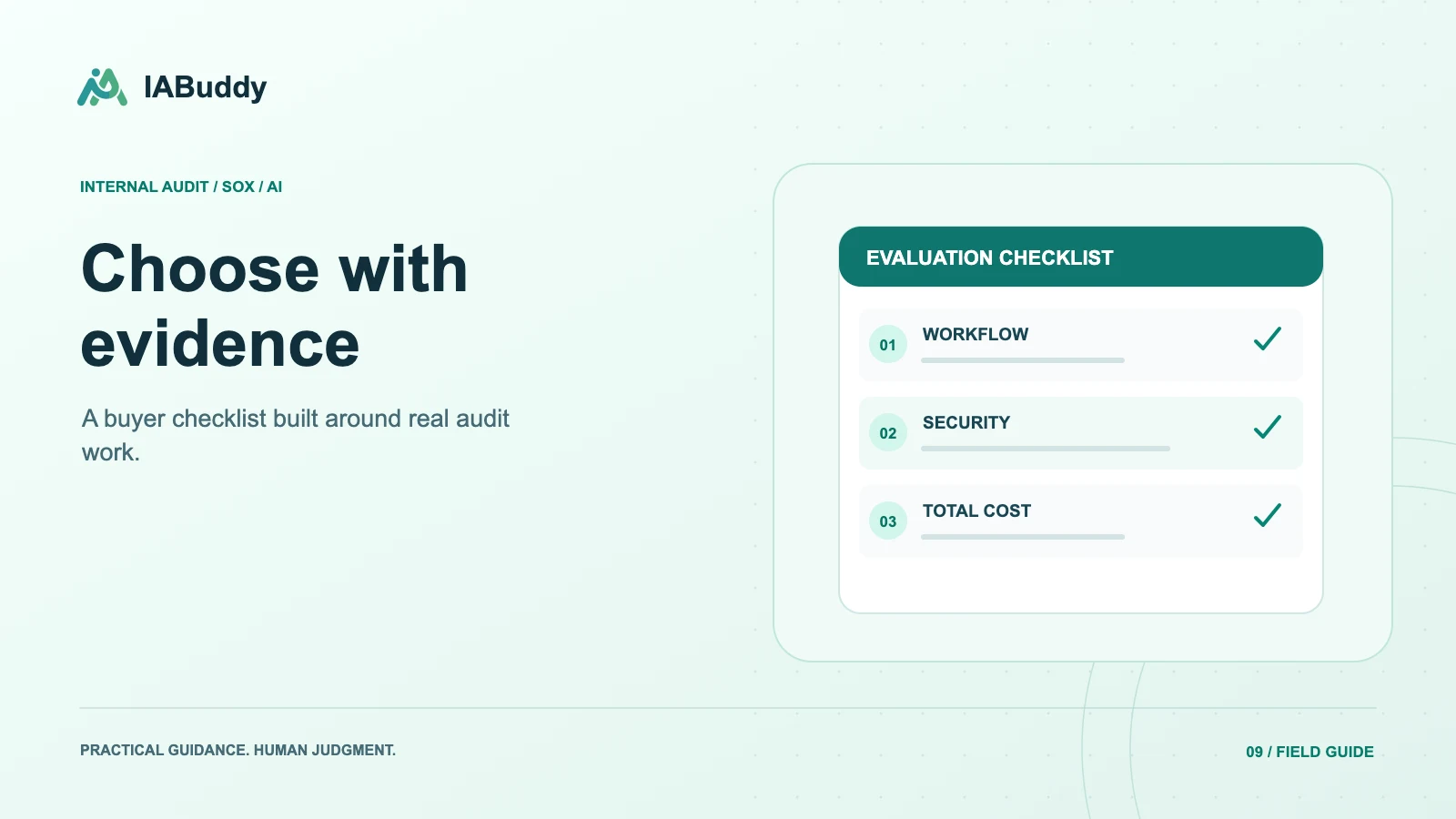
- Choose internal audit software by testing the workflow your team actually performs, not by comparing feature counts alone.
- Use representative controls and evidence to evaluate planning, requests, testing, workpapers, review, and follow-up.
- Verify security and implementation requirements separately, and compare the total cost of a usable deployment rather than the advertised subscription alone.
Define the buying problem before the shortlist
Write a one-page brief explaining the current constraint. Is the team struggling with SOX testing, operational audit planning, evidence collection, reviewer capacity, or broad enterprise risk coordination? These are related but different needs. Separate mandatory requirements from convenient additions.
Include the people who will use or govern the system: preparers, reviewers, control owners, information security, IT, procurement, and relevant external reviewers. Record requirements that could prevent adoption, such as data handling restrictions, export needs, or an active testing cycle that limits migration timing.
Use the same demo script for each vendor
Ask each vendor to demonstrate one control from risk linkage through evidence, testing, review, and an exception. Provide a clean evidence file and an incomplete one. Ask the vendor to explain any step performed manually or outside the demonstrated product.
| Test | Evidence to request |
|---|---|
| Import an RCM | Field mapping, validation, and error handling |
| Plan a testing phase | Population and sample context |
| Request support | Owner experience and request-to-evidence linkage |
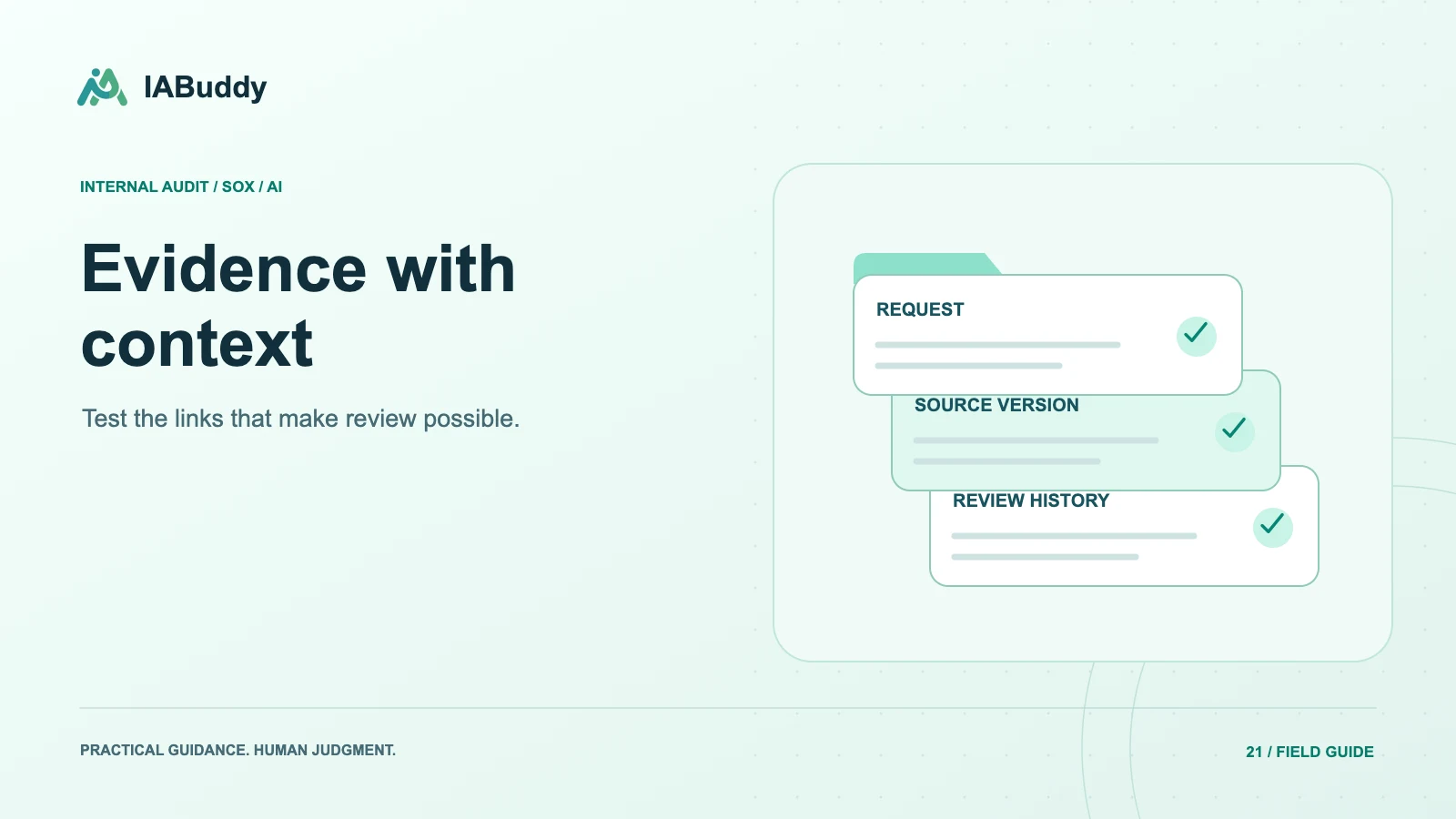
| Test a sample | Criteria, proposed result, and source references |
| Resolve review notes | Change history and reviewer workflow |
| Follow up an exception | Original result, new evidence, and retest linkage |
| Leave the platform | A usable export with relevant context |
Mark whether each capability is generally available, an add-on, a configuration, a service, or a roadmap item. A slide describing a future capability is not a passed demonstration.
Evaluate AI with exceptions, not only success cases
Give the system a known exception, a misleading filename, a conflicting date, and missing support. Ask what prevents an uncertain answer from becoming an approved conclusion. Assess whether a reviewer can verify the output without repeating the entire preparation process.
A source citation is valuable only when it points to the correct evidence and supports the statement made. Test the reference, not just its presence. Agree on a pilot acceptance process that includes missed exceptions, incorrect flags, and total human review effort.
Treat security review as an evidence request
Ask for the architecture and data flow, access model, relevant independent assurance reports, subprocessors, retention and deletion terms, and incident notification commitments. Distinguish statements about model training from statements about provider logs, backups, and retention. Verify the actual deployment and contract rather than assuming a product category implies a security level.
OWASP's sensitive information disclosure guidance describes risks relevant to LLM applications. Your security team should evaluate how the proposed system handles your specific data and permissions.
Compare implementation and ongoing cost
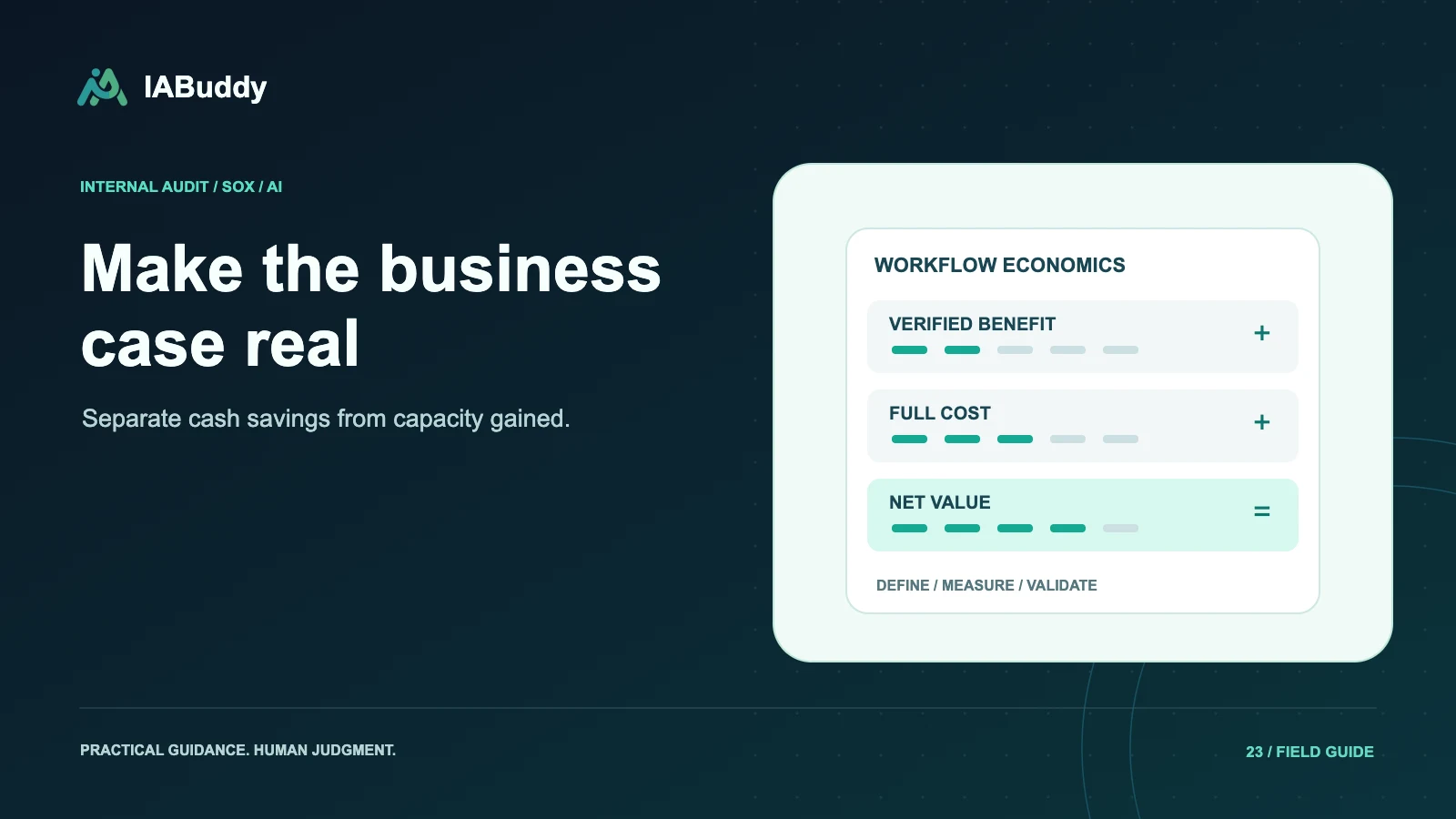
Ask who cleans and maps historical data, configures roles, validates imports, trains control owners, and administers the system. Include internal effort, integrations, storage, usage allowances, overages, support, and renewal terms in the comparison. Request an exit and export plan before signing.
Avoid assuming that a broad platform is always excessive or that a focused product always covers every requirement. Large programs may need capabilities that a lean SOX team does not. The right decision depends on workflow fit and the evidence produced during evaluation.
Turn findings into a decision record
Document must-have requirements, demonstrated results, unresolved gaps, mitigation owners, and commercial assumptions. Use your organization's procurement criteria and explain tradeoffs instead of declaring a universal winner.
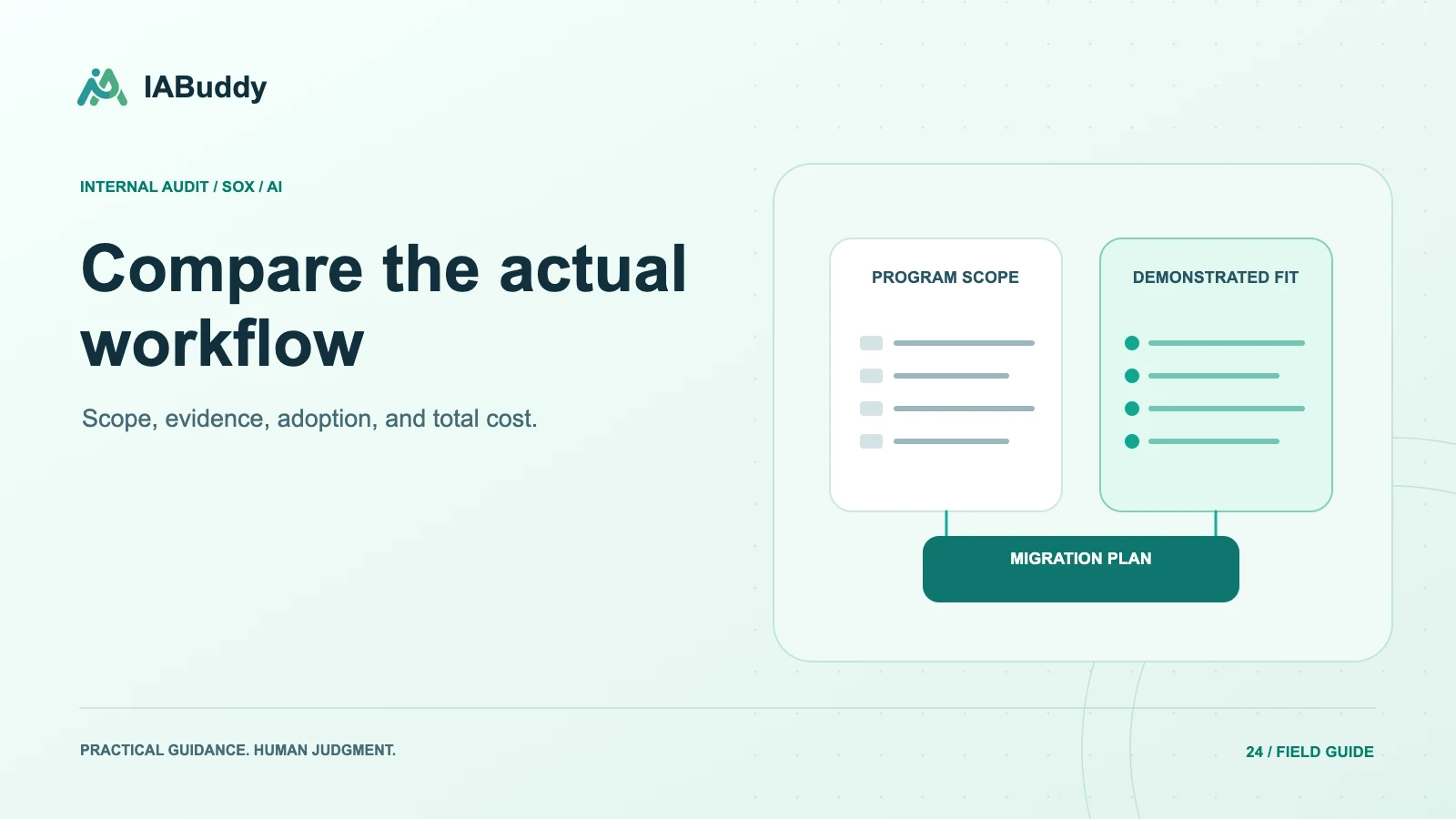
For IABuddy, use a workflow demo to test the connected RCM-to-reviewed-workpaper process. Compare the demonstrated scope with the current plans, and record any requirements that need additional confirmation before purchase.
Frequently asked questions
Should AI features be the main software selection criterion?
They should be evaluated in the context of workflow fit, evidence quality, reviewability, security, and total cost. An impressive AI draft does not compensate for missing permissions, poor exports, or an unusable review process.
How can we compare vendors without relying on marketing claims?
Use the same representative control, evidence set, exception, and review tasks with each vendor. Record what is demonstrated, what requires configuration, and what remains unverified. Confirm important capabilities and pricing in writing.