Key Takeaways
- When company-produced information is used as audit evidence, auditors evaluate whether it is suitable for the purpose.
- This includes testing accuracy and completeness or relevant controls over those qualities, and evaluating precision and detail.
- IPE testing should address the actual report, parameters, source process, and intended use—not simply confirm that a file was exported.
What is IPE?
Information Produced by the Entity, or IPE, commonly refers to company-generated information used in a control or audit procedure. Examples include transaction listings, user access reports, reconciliations, and custom query outputs. The relevant evaluation depends on how the information is used.
PCAOB AS 1105, paragraph .10 permits testing the information or relevant controls over its accuracy and completeness, and requires evaluation of sufficient precision and detail. It does not say that every report must be validated through one identical screenshot procedure.
Start with the report's intended purpose
Identify the assertion, control, or procedure that depends on the report. Define the relevant entity, system, period, fields, and population. A report can be correct for one business purpose and incomplete for a different audit purpose.
For example, an 'active users' report may be useful for a current access review but inadequate for testing every account that existed during a quarter. A report's title does not establish that it contains the required population.
Separate completeness, accuracy, and precision
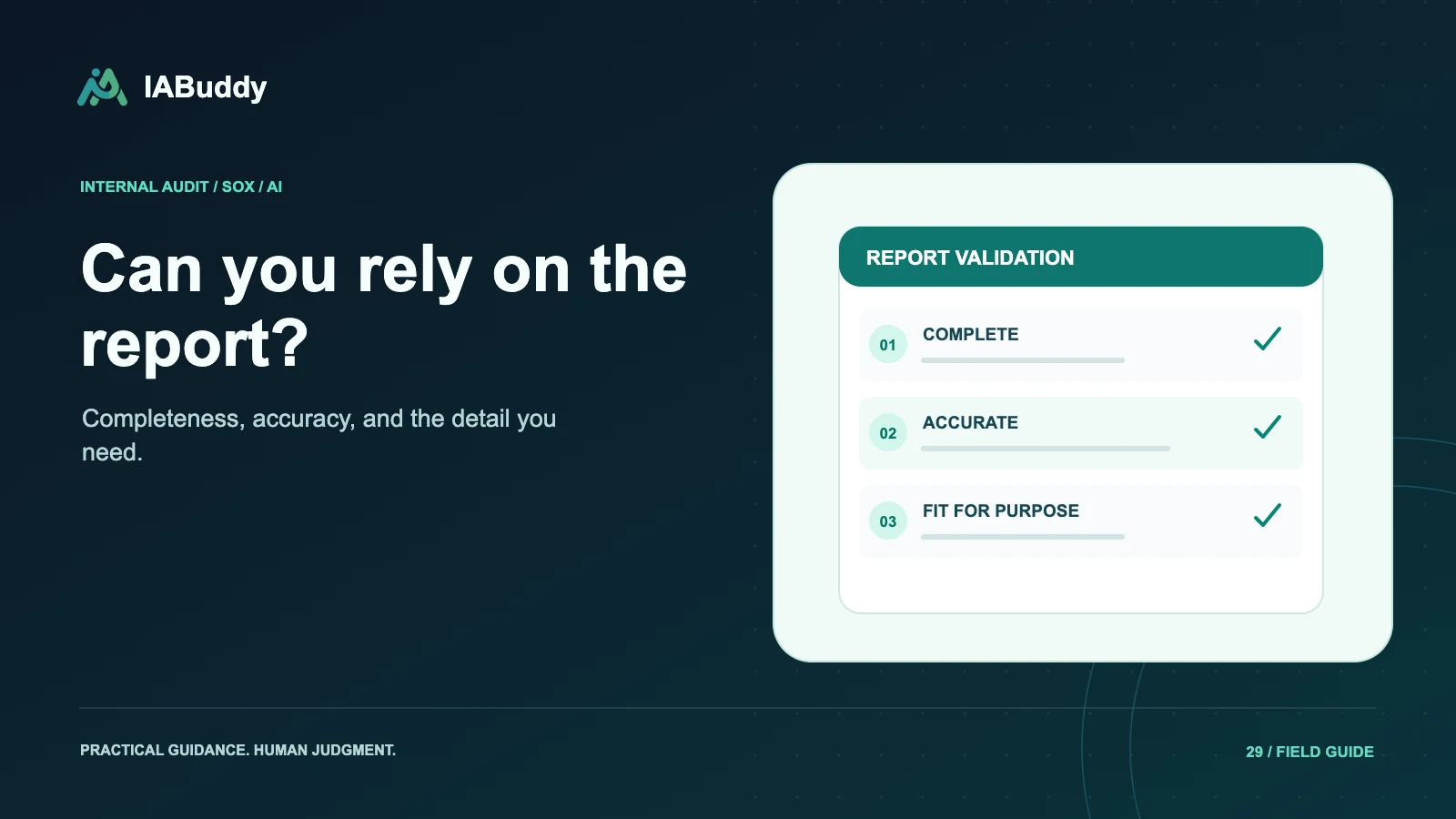
| Dimension | Practical question | Illustrative procedure to consider |
|---|---|---|
| Completeness | Are relevant records missing? | Reconcile population counts or totals to an appropriate source |
| Accuracy | Are the included details correct? | Compare selected fields with underlying records |
| Precision and detail | Is the information usable for the objective? | Evaluate aggregation, fields, and review thresholds |
| Parameters | Was the intended scope requested? | Inspect dates, entities, filters, and exclusions |
| Logic and changes | Does the process produce the intended output? | Review relevant logic or controls and changes |
These are examples, not a mandatory procedure list for every report. The auditor determines the nature and extent of work needed.
Understand standard and custom reports
A standard report is not automatically reliable solely because it comes from a familiar application. A custom report is not automatically unusable. Evaluate relevant report logic, configuration, parameters, changes, and controls according to the audit approach.
For custom queries, pay attention to joins, exclusions, duplicate handling, status definitions, and date boundaries. Preserve the relevant version and explain how its output relates to the intended population.
Follow the information after export
Identify transformations between the source and the workpaper: filtering, sorting, manual edits, formulas, joining files, or converting formats. Retain enough context to evaluate their effect. A file sent by email is not automatically invalid, and an API transfer is not automatically sufficient.
A hash may help detect later changes to a particular file. It does not prove the original report was complete or that the query selected the right transactions. Keep integrity checks distinct from the evidence needed to evaluate the report's contents.
An illustrative population error
Suppose a team needs all journal entries posted during a fiscal quarter, but the report filters by document creation date. Entries created earlier and posted during the quarter could be omitted. A perfect export and a matching file hash would not resolve the wrong date criterion.
The team should identify the relevant posting-date logic, obtain or evaluate the appropriate report, and consider the effect on any tests already performed. Record the correction and its consequences rather than replacing the file without explanation.
How IABuddy supports documentation
IABuddy can keep supplied reports, source references, testing attributes, workpapers, and review connected. Auditors still obtain and evaluate report logic, parameters, relevant controls, and transformations. Do not assume the product captures every ERP parameter or independently guarantees IPE reliability.
Use the evidence management workflow to demonstrate how report validation support stays linked to the test that relies on it. Coordinate the approach with the external auditor where applicable.
Frequently asked questions
Must auditors directly retest every field in every IPE report?
Not necessarily. The approach depends on the purpose and risks; applicable standards allow testing information or relevant controls over its accuracy and completeness. Precision and detail must also be evaluated.
Does a standard ERP report automatically pass IPE testing?
No. Evaluate whether the report, parameters, logic, relevant controls, and any subsequent changes or transformations support the intended audit use.