Key Takeaways
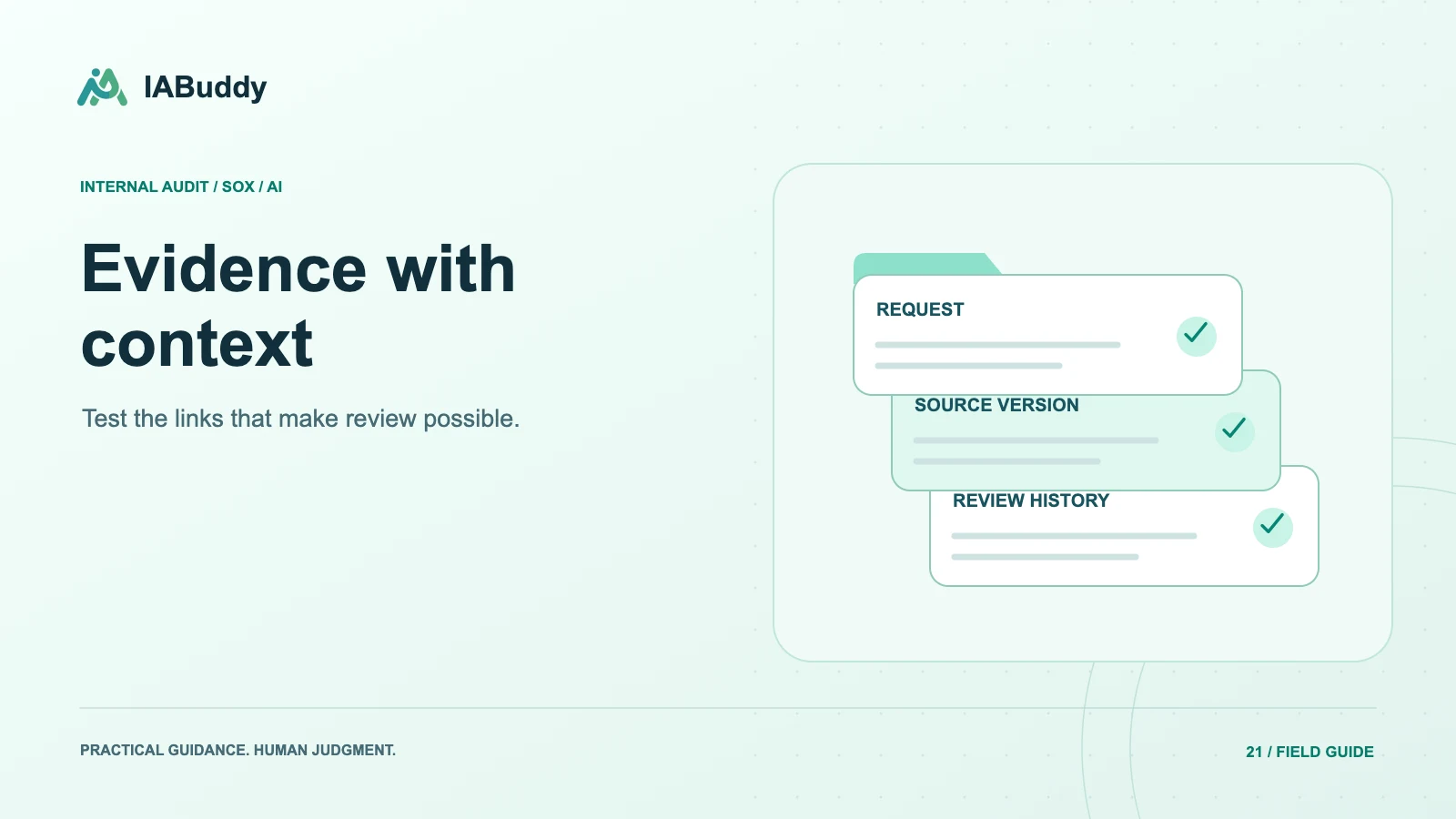
- Audit evidence management software should keep each file connected to its request, control, sample, period, testing result, and review history.
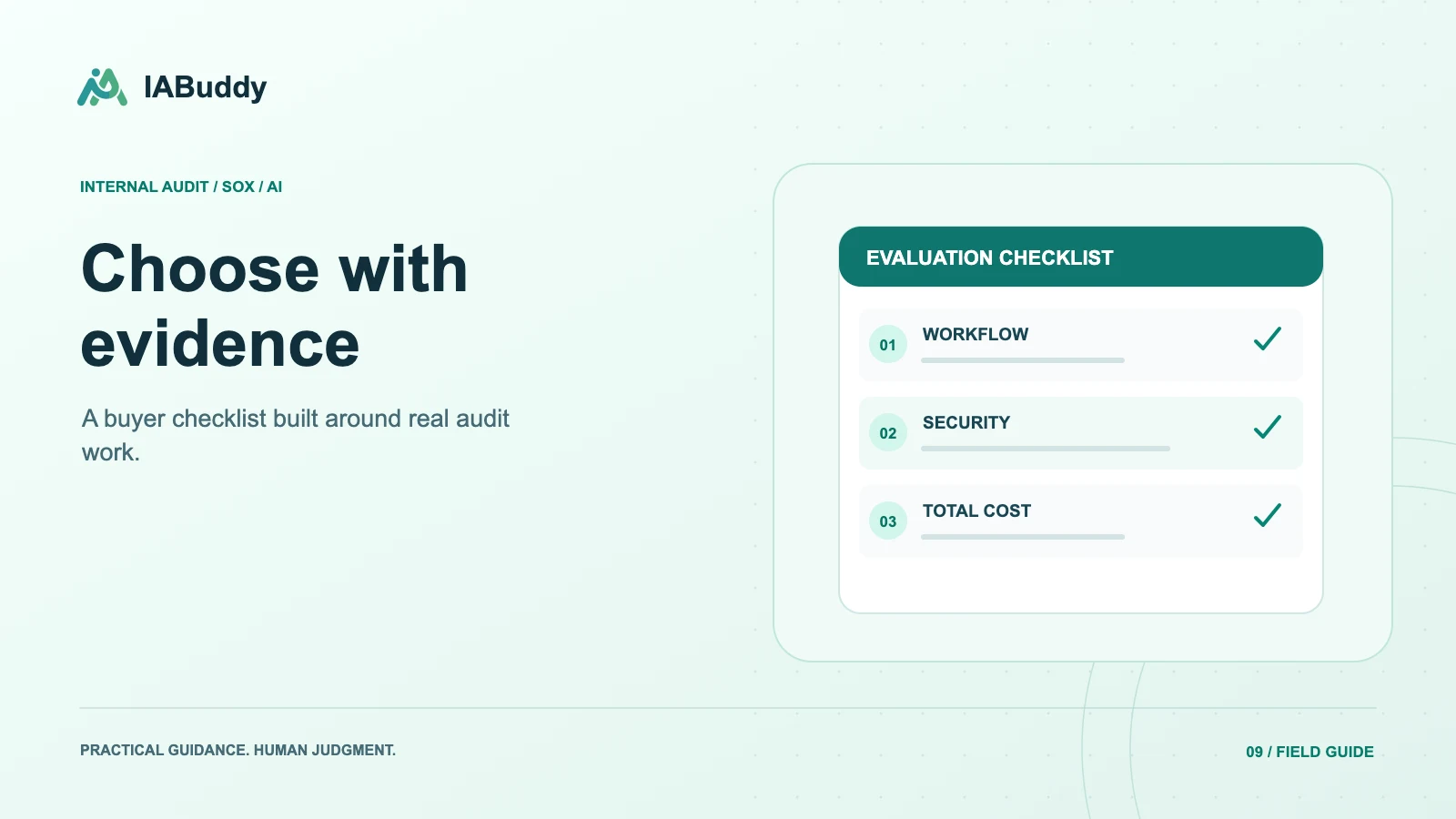
- Evaluate version handling, permissions, source references, and usable exports.
- AI features can help organize and interpret support, but a repository is only useful when reviewers can identify exactly which evidence supports a conclusion.
Start with the lifecycle of one piece of evidence
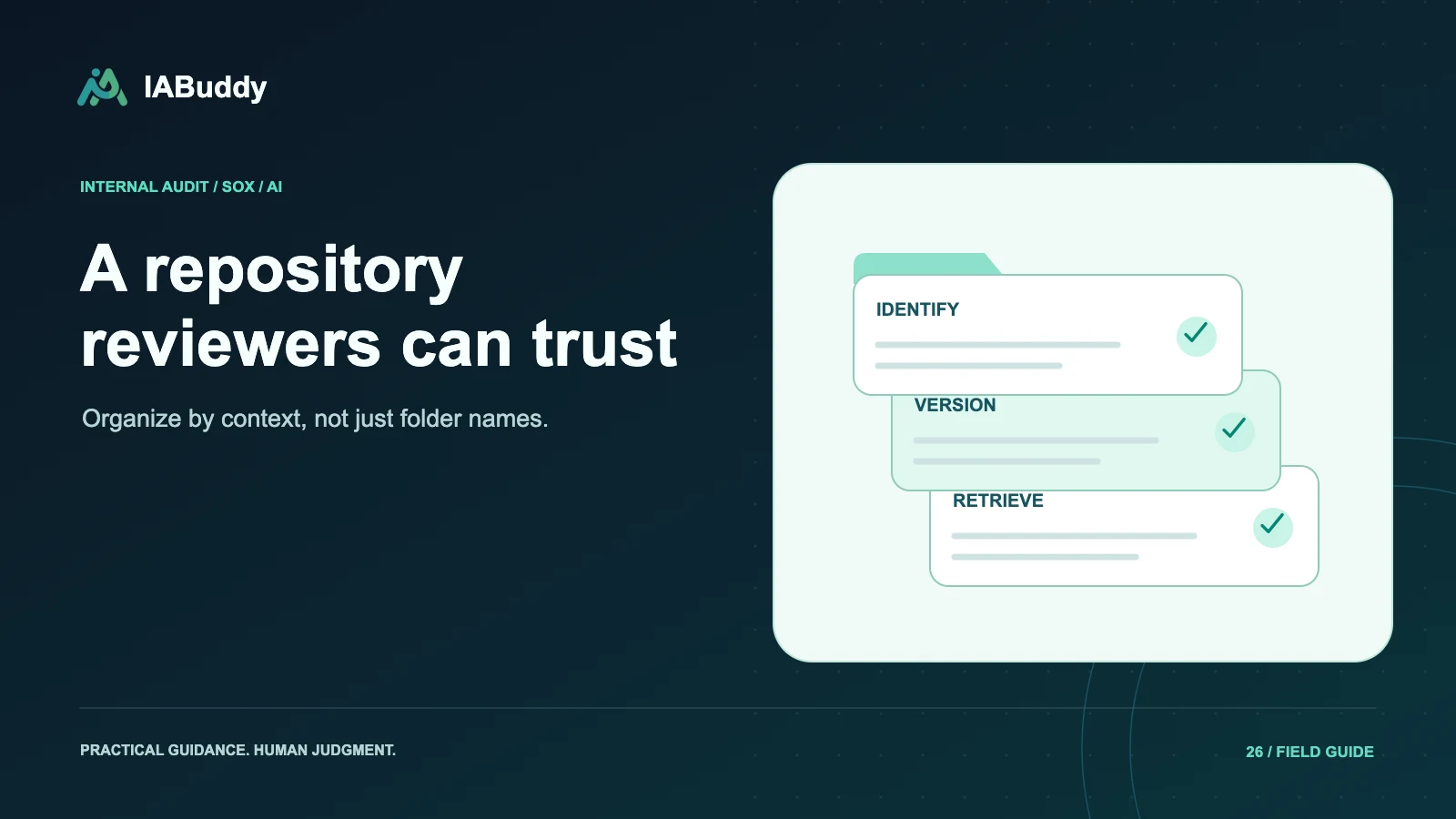
A useful evaluation follows a file from the original request through upload, testing, review, correction, and export. Ask what identifies the file's entity, period, owner, and purpose at each step. A folder alone may be insufficient, but a sophisticated dashboard can also hide missing context.
Choose a realistic file and then upload a corrected version. This reveals whether the system preserves earlier conclusions and distinguishes a new version from a duplicate or a different artifact.
The features that matter in a live demonstration
| Capability | Demonstration to request |
|---|---|
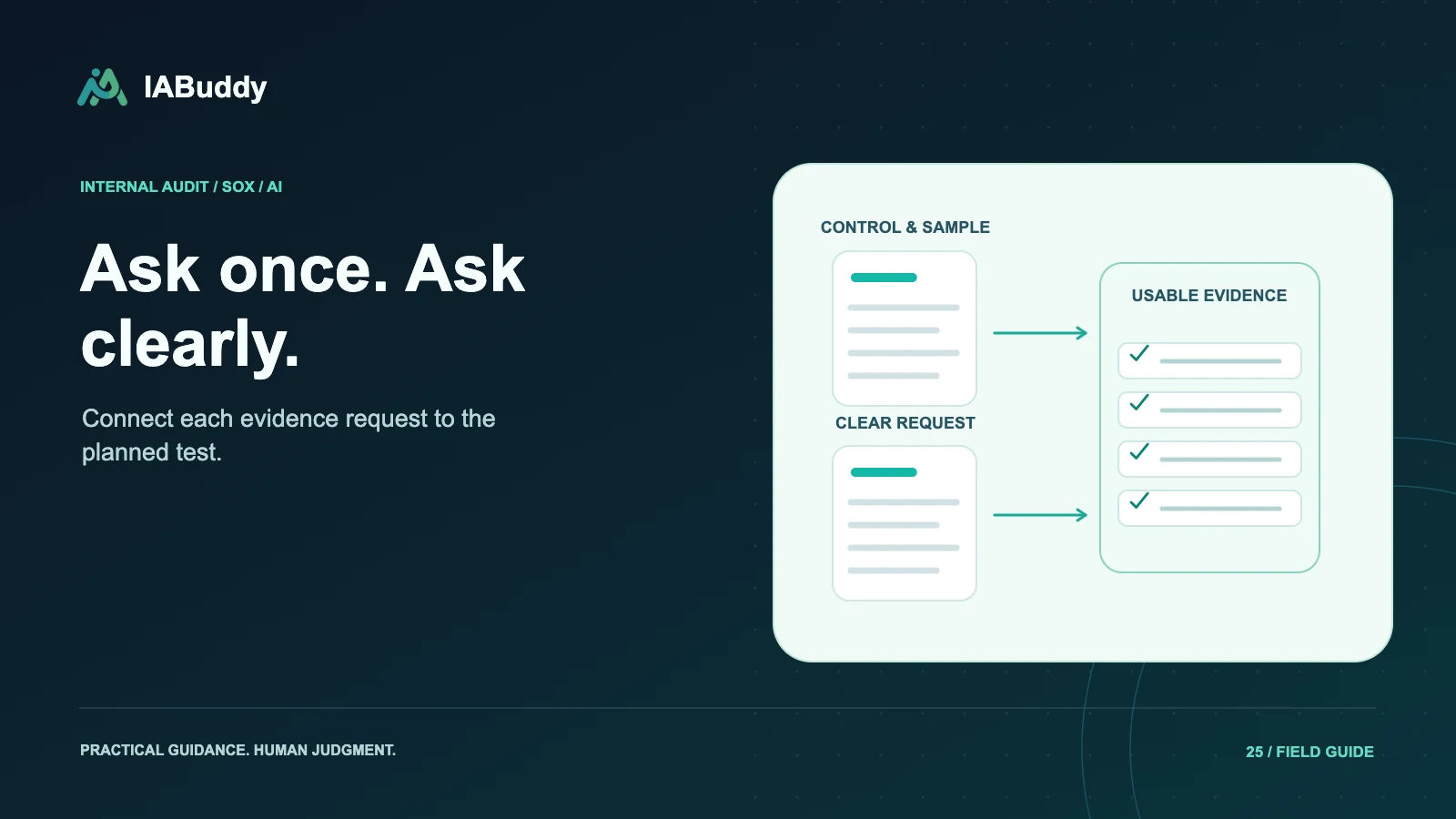
| Request linkage | Open the request from the file and identify missing support |
| Version history | Replace a file without silently changing an approved test |
| Sample mapping | Trace support to the correct sample and period |
| Permissions | Show what a restricted reviewer can and cannot access |
| Source references | Open the exact page, sheet, cell, or location cited |
| Review workflow | Resolve a note while retaining relevant history |
| Follow-up | Link new evidence to the original exception |
| Export | Reconstruct the test outside the main interface |
Classify each feature as demonstrated, configurable, unavailable, or requiring confirmation. Avoid treating a roadmap discussion as a completed test.
Distinguish collection from validation
An API connector can reduce manual transfer, but it does not automatically establish that the report parameters or population are correct. A manual upload is not automatically unusable either. Evaluate the source, process, and controls relevant to the evidence.
PCAOB AS 1105 provides context for evaluating company-produced information used as audit evidence. A software purchase does not remove that evaluation.
Evaluate AI assistance with ambiguous support
Ask the tool to handle a missing page, a file with two reporting periods, and two documents with similar identifiers. Check whether it exposes uncertainty, preserves the source, and routes the item for review. An incorrect automatic match can contaminate several downstream records.
Reviewers should see what the AI proposed and what was approved. A generic summary is less useful than a specific reference that supports the actual testing attribute.
Test permissions beyond the main screen
Access should be evaluated across search results, file previews, AI retrieval, notifications, shared links, and exports. Removing a user from a visible workspace should not leave unintended access through another route.
Ask security administrators to test realistic roles, including a temporary external reviewer. Confirm the process for expiring access and handling downloaded copies. Do not assume that a portal is secure merely because it requires a login.
Plan migration and retention
Identify the records to migrate, metadata mappings, file relationships, unresolved issues, and historical versions. Reconcile counts and inspect a representative sample after migration. Retain the original source until the migration is accepted and applicable retention requirements are understood.
Set retention and deletion rules with the responsible owners rather than adopting a generic number of years from a product demonstration. Evidence types, legal holds, contractual requirements, and jurisdictions can differ.
Evaluate IABuddy as a connected workflow
IABuddy links PBC requests, samples, evidence-grounded testing, workpapers, review, and follow-up. Use the evidence management workflow to test the full lifecycle, including a corrected file and an unresolved exception. Confirm integrations, export formats, permissions, and commercial scope for the proposed deployment rather than assuming every capability is included.
Frequently asked questions
Is a shared drive always unsuitable for audit evidence?
No. Suitability depends on organization, permissions, version handling, and the engagement's needs. A specialized platform may improve workflow linkage, but it should be evaluated against actual requirements rather than a blanket claim that folders fail.
Does automatic evidence collection prove completeness and accuracy?
No. Source coverage, report logic, parameters, and relevant controls still need evaluation. Automated transfer is one step in the evidence lifecycle.